Interviewers
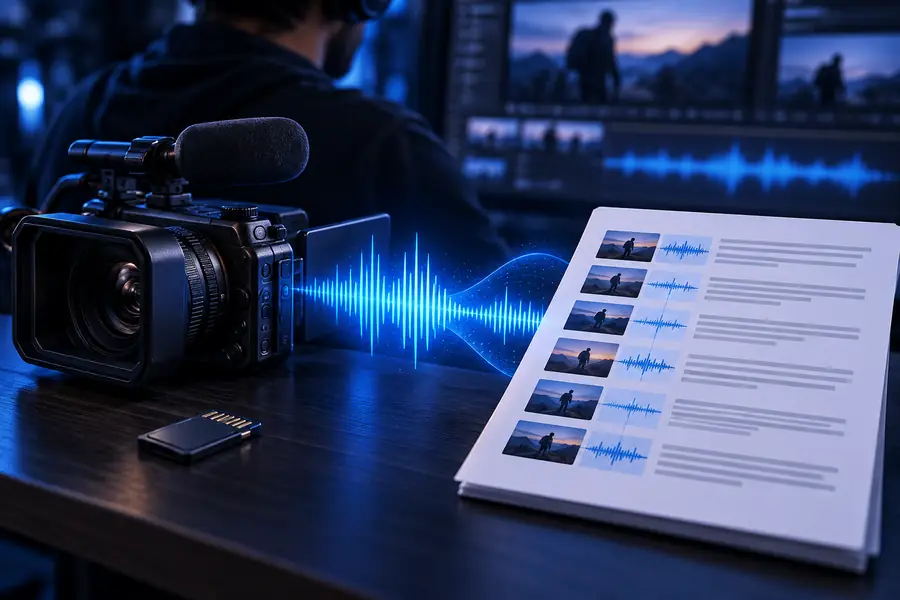
You need to locate a quote without replaying the full recording.
Use a searchable transcript as a first pass, then return to the MP4 for exact wording and context.
video to textA focused place for meetings, lessons, interviews, and the ideas inside them.
MP4 TRANSCRIPTION
Use an MP4 to text workflow to move from a recorded video file to readable transcript text, then check names, numbers, and key statements before sharing it.
FORMAT VIEW
An MP4 is a container for video, audio, timing, and sometimes captions. Text is a simplified output, so the conversion changes what you can search and inspect.
 MP4 source
Text result
MP4 source
Text result
Drag the divider to compare the source workflow with the readable transcript view.
MP4 sourceText resultSIDE-BY-SIDE
The right choice depends on whether you need the original visual context or a text-first record of what was said.
Primary content
MP4 file
Video and audio in one container
Text transcript
Words arranged as readable text
Searchability
MP4 file
Usually requires a media player or caption track
Text transcript
Can be searched by phrase
Visual context
MP4 file
Preserves scenes, slides, and demonstrations
Text transcript
Does not preserve the full visual sequence
Speaker review
MP4 file
Requires replaying the relevant moment
Text transcript
Can be checked directly in the transcript
File role
MP4 file
Source recording for playback or editing
Text transcript
Reference copy for notes and review
Best use
MP4 file
Watch, edit, archive, or publish the recording
Text transcript
Find statements, quote speech, and organize notes
EXAMPLE OUTPUTS
Text makes speech easier to scan, but it may not carry every visual cue, sound detail, or ambiguous phrase from the original recording.
 Transcript
 Readable
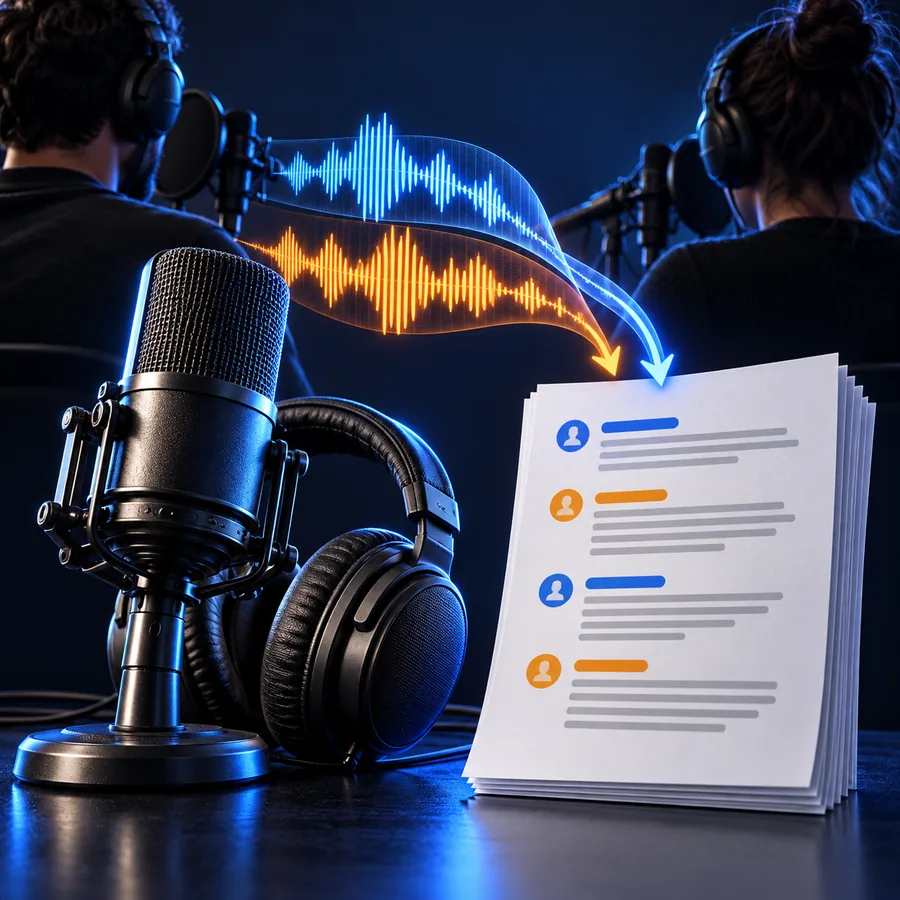 Organized
WORKFLOW FIT
Different recordings call for different review habits. Start with the output you need, then keep the original MP4 available for verification.
You need to locate a quote without replaying the full recording.
Use a searchable transcript as a first pass, then return to the MP4 for exact wording and context.
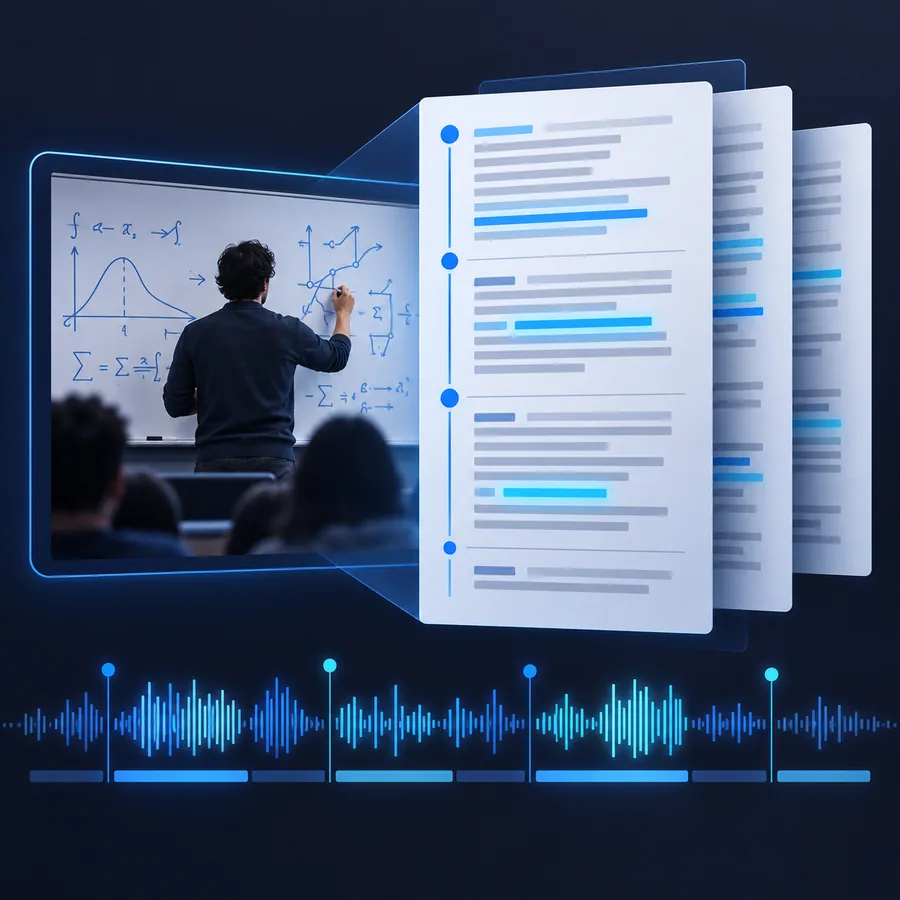
video to textA lecture recording needs notes, headings, or a draft study guide.
Convert the spoken lesson into text before editing it into a clearer learning resource.
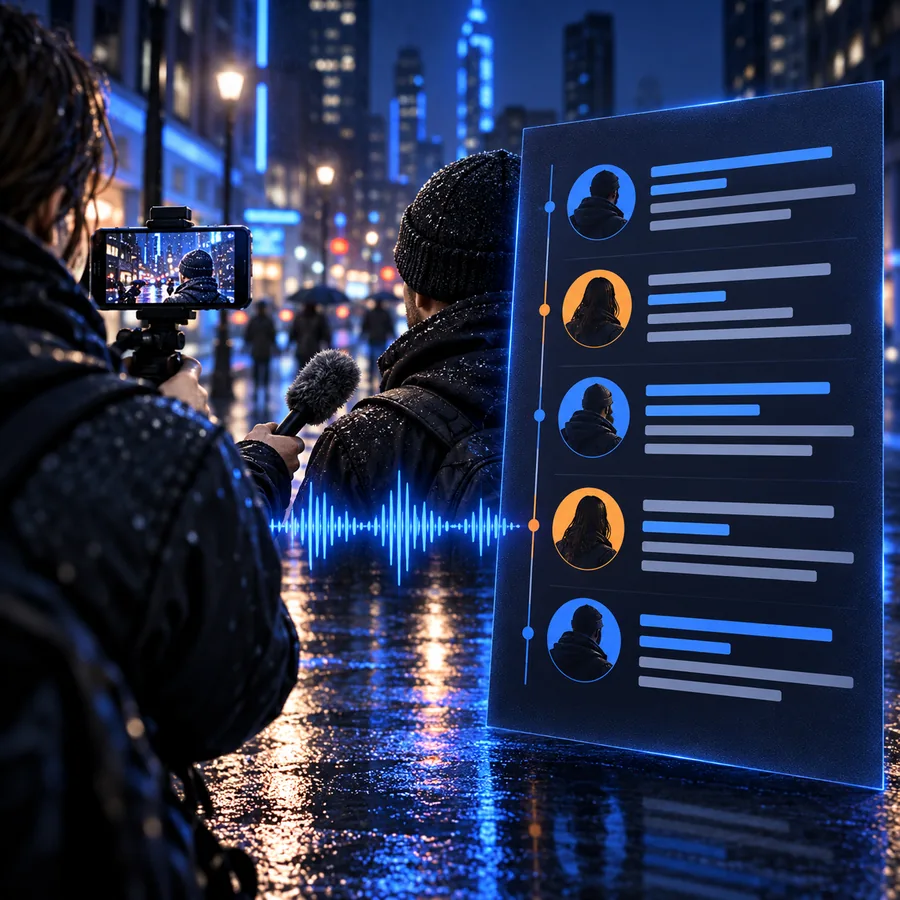
video to textA recorded discussion contains ideas for articles, clips, or social posts.
Scan the transcript for themes and quotes while using the source video to confirm delivery and timing.
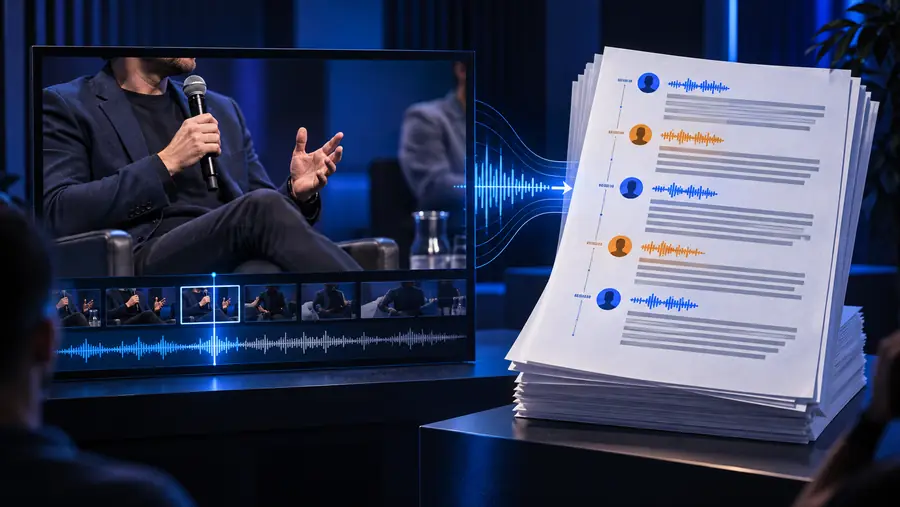
video to textYou need a text record of a video interview for closer analysis.
Keep the transcript beside the source recording so claims, names, and pauses can be checked.
video to textPROMPT EXAMPLES
A precise request can make the first transcript easier to review. State the file type and the structure you want from the result.
Transcribe this MP4 interview into readable paragraphs and preserve clear speaker changes.
Transcribe this MP4 presentation and separate the spoken explanation into concise topic sections.
Transcribe this MP4 meeting, keep important names and numbers clear, and format the result for review.
1
Interview
2
Presentation
3
Meeting
Adapt each prompt by naming the audience, structure, or details that must be checked in the final text.
THREE CHECKS
Treat the first transcript as a reviewable draft. A short check against the source video can catch the errors that matter most.
Choose the recording you want to convert and describe the transcript structure that will be most useful.
Scan names, technical terms, numbers, and sections where the audio may be difficult to distinguish.
Replay important moments in the MP4 and correct wording before you quote, publish, or archive the text.
READY TO REVIEW
Send an MP4 into a focused transcription workflow, then use the resulting text as a practical draft for notes, quotes, and follow-up review.
Convert my MP4COMMON QUESTIONS
MP4 to text means turning the spoken content of an MP4 video into written transcript text. The original video remains the source, while the transcript provides a text-first way to search and review what was said.
Yes, an MP4 can be used as the source for a transcript of its spoken audio. After conversion, review names, numbers, technical terms, and important quotations against the original recording.
A transcript may not preserve the full visual sequence, music, tone, gestures, slide design, or other nonverbal context in the video. It can also require review when speech is unclear or several voices overlap.
Start by scanning the text for names, numbers, specialized vocabulary, and passages that affect meaning. Replay those moments in the original MP4 before publishing, quoting, or treating the transcript as a final record.