Content workflow

Use a TikTok transcript generator to shape every clip

A TikTok transcript generator turns spoken video into working text you can review, quote, edit, and organize. Start with a focused prompt for the kind of transcript you need.

Review before publishing
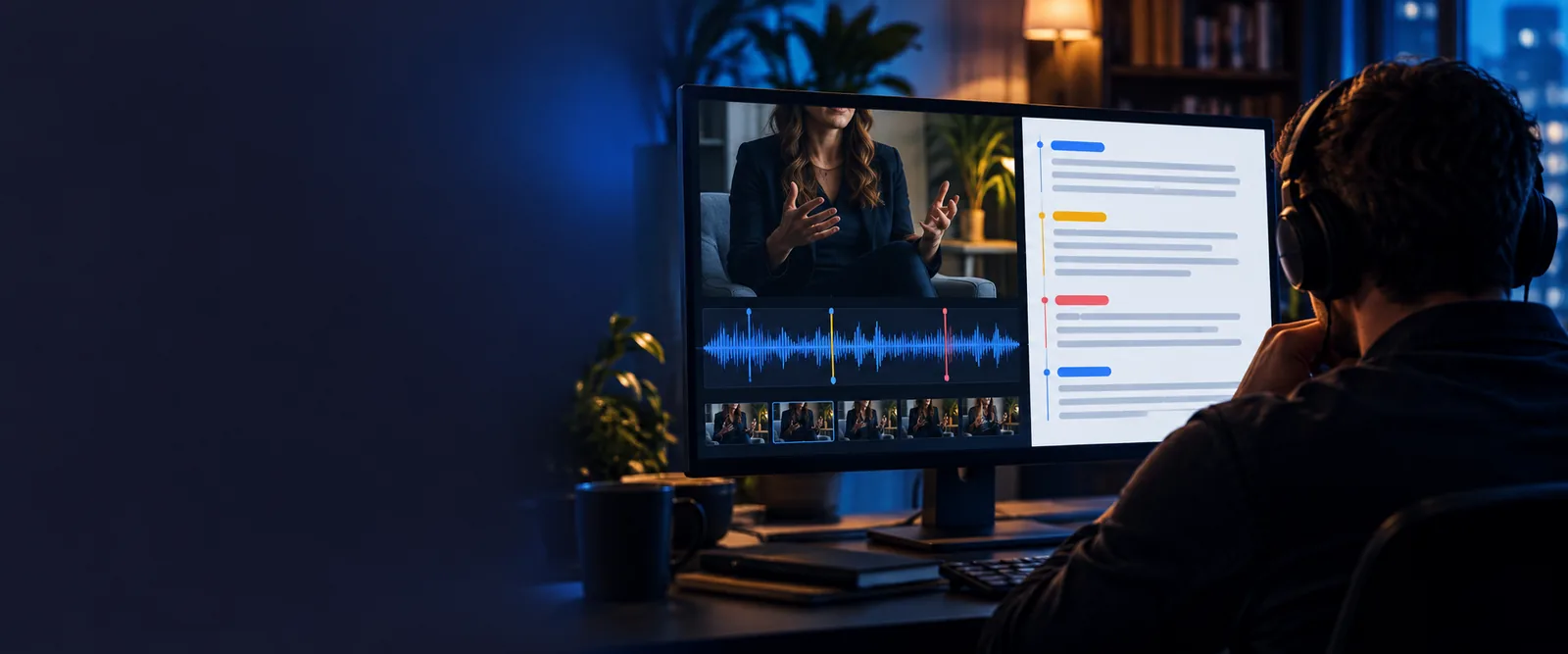
Transcript workspace for turning spoken video into editable text

Built for reuse

The scenario's pain

TikTok content moves quickly, but important words are easy to lose when you rely on memory, repeated playback, or scattered notes. A structured transcript gives each role a dependable starting point.

Social media manager

You need to turn a strong TikTok into captions, a post summary, and a brief for the next edit without replaying the clip repeatedly.

Pull out the hook, claims, call to action, and quotable lines in one reviewable text draft.

video to text

Creator

You want to reuse a spoken idea across a description, newsletter, carousel, or follow-up video while keeping the original wording visible.

Keep the voice of the clip while making the material easier to search, trim, and reshape.

mp4 to text

Researcher

A TikTok contains a statement, interview answer, or trend reference that needs to be checked against the source before you cite it.

Work from a readable transcript, then return to the video to verify names, wording, and context.

video to text

Content editor

You receive short-form footage with no script and need a usable record of what was said before deciding what to cut.

Compare the spoken structure with the edit and mark sections for captions, revisions, or approval.

mp4 to text

Choose the right source

TikTok transcript workflows side by side

The best starting point depends on what you have available and what you need to do next. Use the comparison to select a practical route rather than forcing every clip into the same process.

Direct TikTok workflow
Downloaded video workflow

Best starting material

Direct TikTok workflow

A TikTok link or copied source reference

Downloaded video workflow

An MP4 or other saved video file

Primary use

Direct TikTok workflow

Quick review of a published short-form clip

Downloaded video workflow

Detailed work on footage already in your library

Useful first pass

Direct TikTok workflow

Identify the hook, topic, and spoken structure

Downloaded video workflow

Create a transcript while checking the local edit

Editing context

Direct TikTok workflow

Plan captions, summaries, and repurposed posts

Downloaded video workflow

Compare text with cuts, overlays, and scene changes

Verification step

Direct TikTok workflow

Reopen the original TikTok and check names or claims

Downloaded video workflow

Check the transcript against the saved source file

Archive value

Direct TikTok workflow

Keep a searchable record of a public reference

Downloaded video workflow

Attach text directly to your internal media record

Good handoff

Direct TikTok workflow

Send the transcript to a social or research workflow

Downloaded video workflow

Send the transcript to an editor or content library

Plan the review

Estimate transcript scope before you begin

Use the slider as a planning aid for a spoken clip. The word estimate uses a transparent 130-words-per-minute assumption; actual output depends on pacing, pauses, and the amount of speech.

Estimated spoken words

words

Source duration

seconds

Five-minute review blocks

blocks

Three practical routes

Three concrete workflows

Each workflow starts with the same goal: turn spoken content into text that supports a decision. The difference is what you do with the transcript after the first pass.

  • Repurpose
  • Verify
  • Edit
  1. Repurpose Verified

    Repurpose one clip into a content pack

    Use the transcript to separate the opening hook, main idea, supporting details, and call to action. Then adapt those sections into a caption, a short summary, a quote card brief, or a follow-up outline without losing the source wording.

    1. Create a readable transcript of the spoken clip.
    2. Mark the hook, key point, quote, and call to action.
    3. Draft each new asset from the marked text.
    4. Compare the final copy with the original video.
    video to text
  2. Verify Verified

    Check a claim before publishing

    A transcript makes it easier to find the exact sentence that needs review. Use it as an index, then return to the video to confirm pronunciation, names, numbers, context, and whether an on-screen caption changes the meaning.

    1. Locate the statement or quote in the transcript.
    2. Replay the surrounding section of the video.
    3. Check names, figures, captions, and context.
    4. Record any correction before publication.
    mp4 to text
  3. Edit Verified

    Prepare a clip for editing

    When footage arrives without a script, the transcript gives the editor a text-based map of the spoken structure. Mark repeated phrases, pauses, weak openings, and sections that should stay aligned with visual cuts.

    1. Generate the first transcript from the source video.
    2. Mark sections to keep, shorten, or remove.
    3. Match important lines with the visual edit.
    4. Use the marked text to prepare captions or notes.
    video to text

Simple process

From clip to usable text

A reliable workflow separates transcription from interpretation. That keeps the first text pass useful while leaving room for human review before anything is published.

  1. 1

    Provide the source

    Bring the relevant TikTok or video file into the transcription workflow and state what you need the text to support.

  2. 2

    Review the transcript

    Scan names, numbers, unclear phrases, speaker changes, and the sections that matter for your caption, edit, or research task.

  3. 3

    Reuse with context

    Turn verified text into a caption, summary, quote, edit note, or content brief while keeping the original video available for reference.

Start with one clip

Turn spoken TikTok content into working text

Describe the outcome you need, then use the resulting transcript as a practical draft for review, repurposing, or editing. Keep the original clip beside the text whenever accuracy and context matter.

Create a transcript
  • Extract the hook and key points
  • Prepare text for captions or summaries
  • Review wording before publishing

Common questions

Scenario FAQ

These answers cover the practical questions people ask when they need text from a TikTok for editing, research, or content reuse.

Start by providing the relevant TikTok source in the transcription workflow and specify how you plan to use the text. After the first pass, review names, numbers, and unclear phrases against the original video before publishing or quoting it.

You can use it to draft captions, summarize a clip, find quote-worthy lines, prepare an editing brief, or organize research notes. The transcript is a working text layer, so the video should remain the authority for visual context and final verification.

Yes. It gives you a readable starting point for identifying spoken sections and shaping caption copy. Captions still need a final check for timing, line breaks, speaker changes, on-screen text, and accessibility.

Accuracy varies with audio quality, background noise, overlapping speakers, accents, music, pacing, and unusual names. Treat the first transcript as a draft and replay important passages before using them as a public quote or factual source.

Yes, especially when the clip includes claims, figures, names, instructions, or sensitive context. Compare the text with the video and check whether captions, gestures, or edits alter the meaning of the spoken words.

Start transcribing
Start transcribing