Interviewers
Review a recorded conversation without replaying every answer.
Pull exact quotes, spot themes, and prepare a cleaner interview brief. For a specific container workflow, see mp4 to text.
mp4 to textA focused place for meetings, lessons, interviews, and the ideas inside them.
Spoken content
Turn spoken footage into readable copy with a focused video to text workflow. Start with a useful instruction, then pass it to the transcription workspace for the next step.
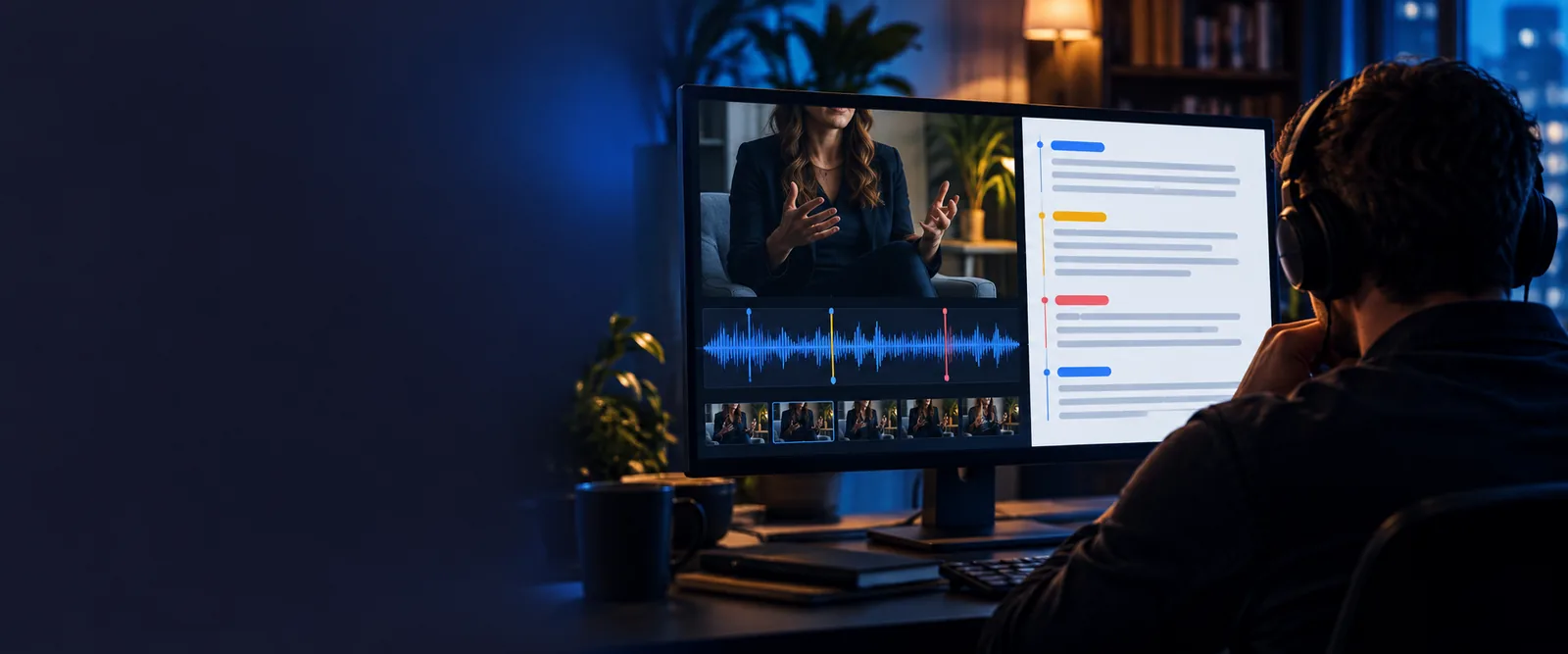
Format overview
A video carries images, timing, and sound. The text version makes the spoken layer easier to scan, quote, organize, and turn into follow-up work.
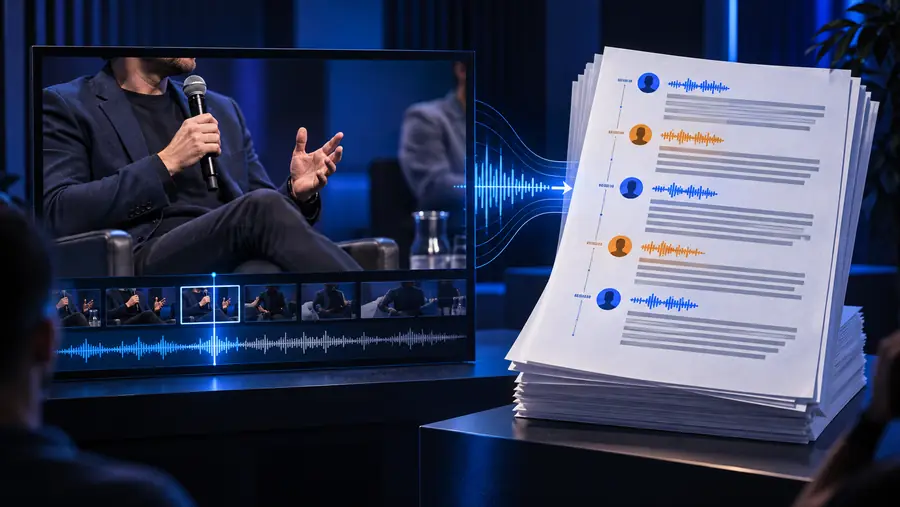
 Source video
Written output
Source video
Written output
Drag the divider to compare the source view with the text-focused result.
Source videoWritten outputInput and output
The conversion changes the way information is handled without changing the purpose of the original recording.
Primary content
Video
Moving images, audio, and timing
Text
Words arranged for reading
Best for
Video
Watching demonstrations and context
Text
Scanning, quoting, and reviewing
Navigation
Video
Seek through a timeline
Text
Search by words or phrases
Speaker context
Video
Heard through the recording
Text
Can be represented with speaker labels
Reuse
Video
Requires replay or editing
Text
Can be copied into notes and documents
Accessibility
Video
Depends on audio and visual playback
Text
Supports readers who prefer written content
Practical workflows
Different people begin with different kinds of footage, but the useful outcome is the same: a written version that is easier to check and put to work.
Review a recorded conversation without replaying every answer.
Pull exact quotes, spot themes, and prepare a cleaner interview brief. For a specific container workflow, see mp4 to text.
mp4 to textWork through a recorded lecture or study session in written form.
Mark important explanations and return to key wording while revising. An mp4 to text workflow can help when the recording is stored in that format.
mp4 to textTurn recorded discussions into notes, quotes, or draft source material.
Move from raw footage to an organized starting point, then edit for publication. Use mp4 to text when your source file is an MP4.
mp4 to textInspect field recordings and preserve spoken observations in a readable record.
Compare statements, annotate passages, and keep the original recording as context. The mp4 to text path is useful for common MP4 research files.
mp4 to textOutput examples
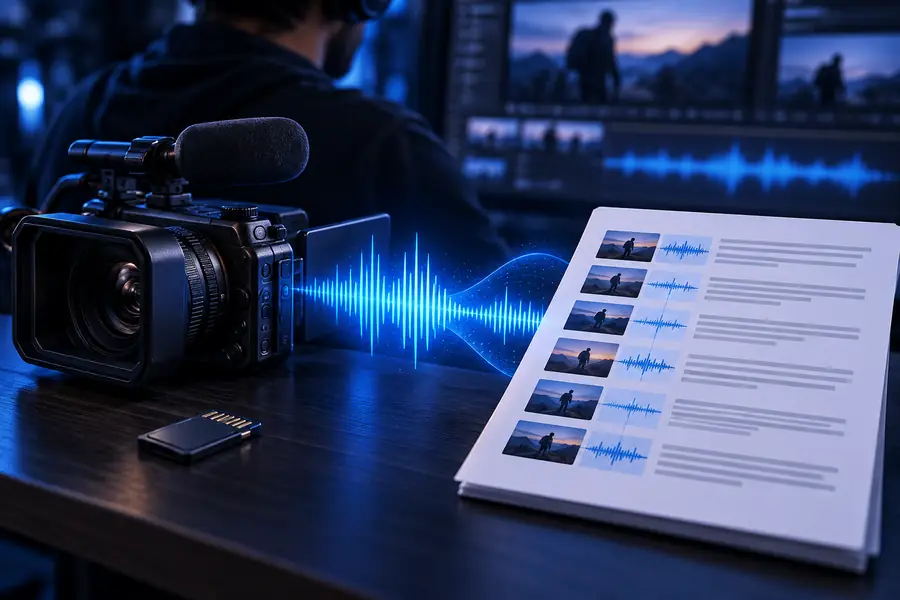
These examples show the kind of source material that can become a transcript-ready text record.
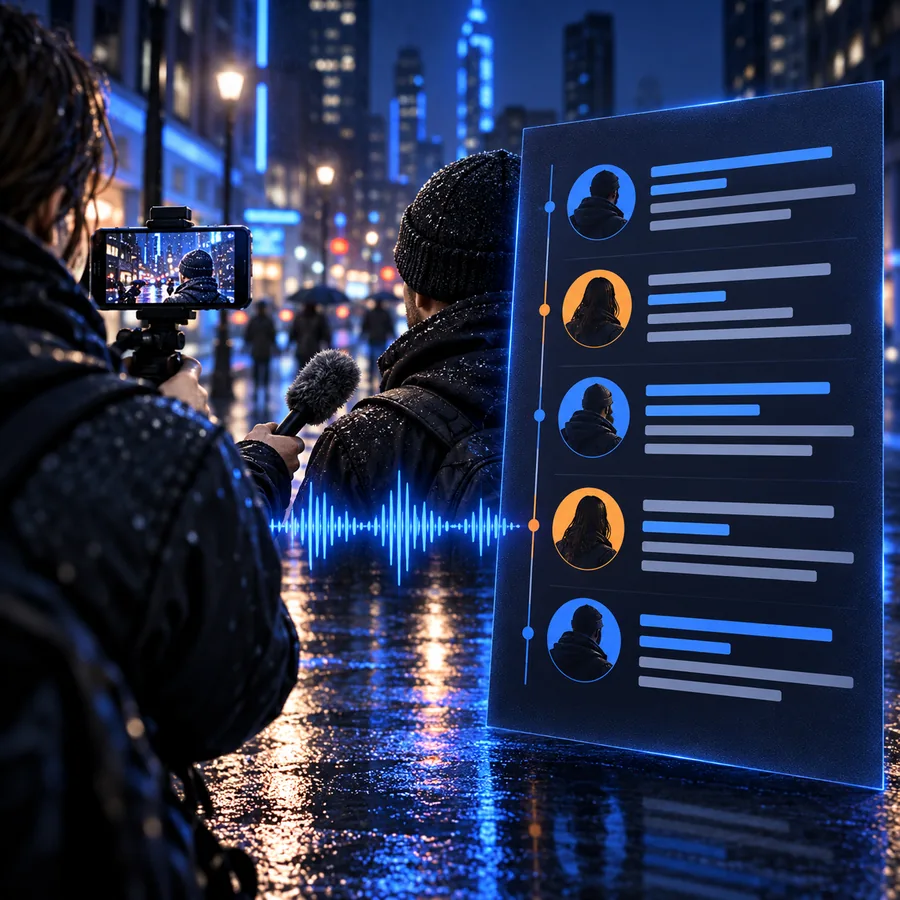
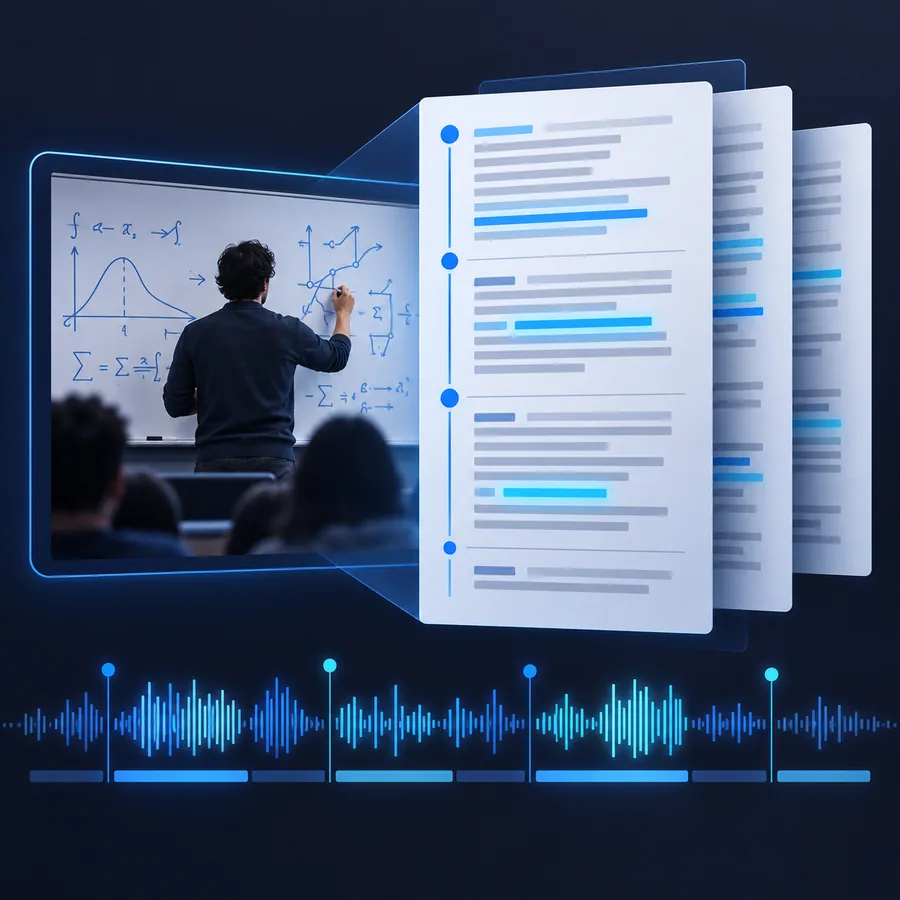 Interview
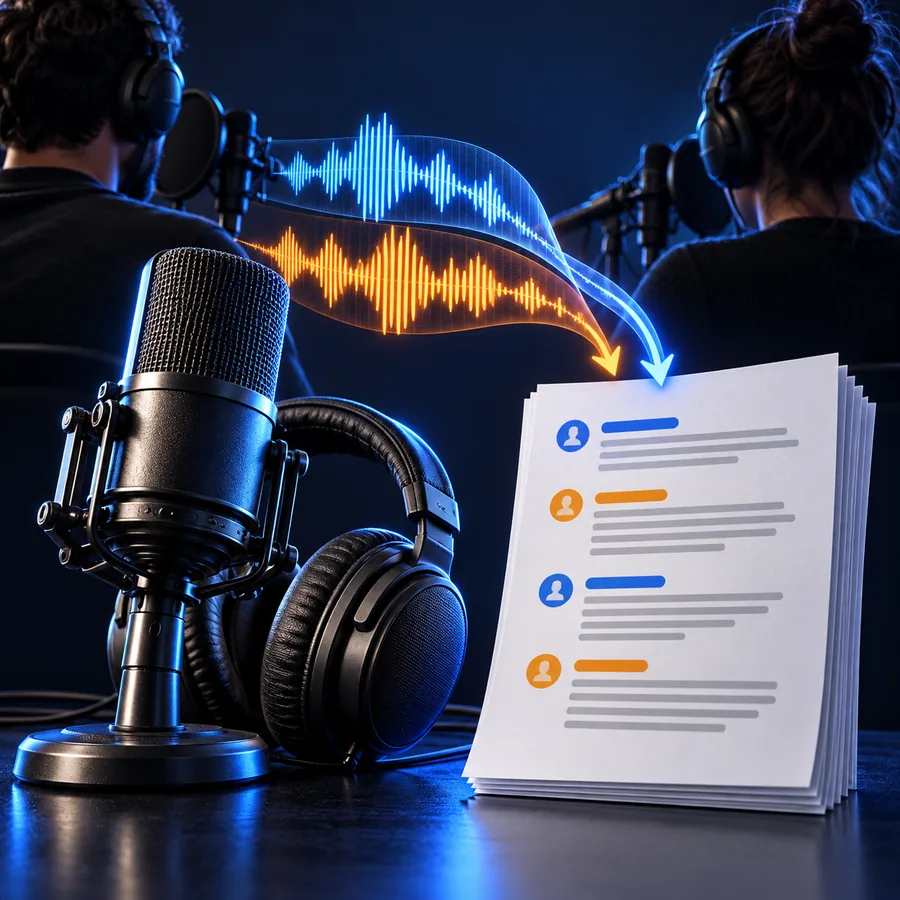
 Lesson
 Short clip
Keep exploring
Simple workflow
Choose the video you want to work with and provide a clear instruction for the transcript you need.
Check names, speaker changes, technical terms, and any passage where the recording context matters.
Copy the written result into notes, editing documents, research records, or your next content draft.
Give a spoken file a written starting point, then refine the result for the people and project that need it.
Open the transcription workspaceCommon questions
It means creating a written representation of the speech in a video. The resulting text can be reviewed, searched, quoted, edited, or organized alongside the original recording.
Common uses include meeting notes, interview review, lecture study, research records, and content preparation. The best structure depends on whether you need close wording, speaker separation, or a concise summary.
Yes. Names, accents, background noise, overlapping speakers, and specialist terms can affect any automated transcription. Compare important passages with the source video before publishing or treating them as a final record.
Yes, MP4 is a common source format for this kind of workflow. If your file is specifically an MP4, the dedicated mp4 to text page provides a more focused route.